
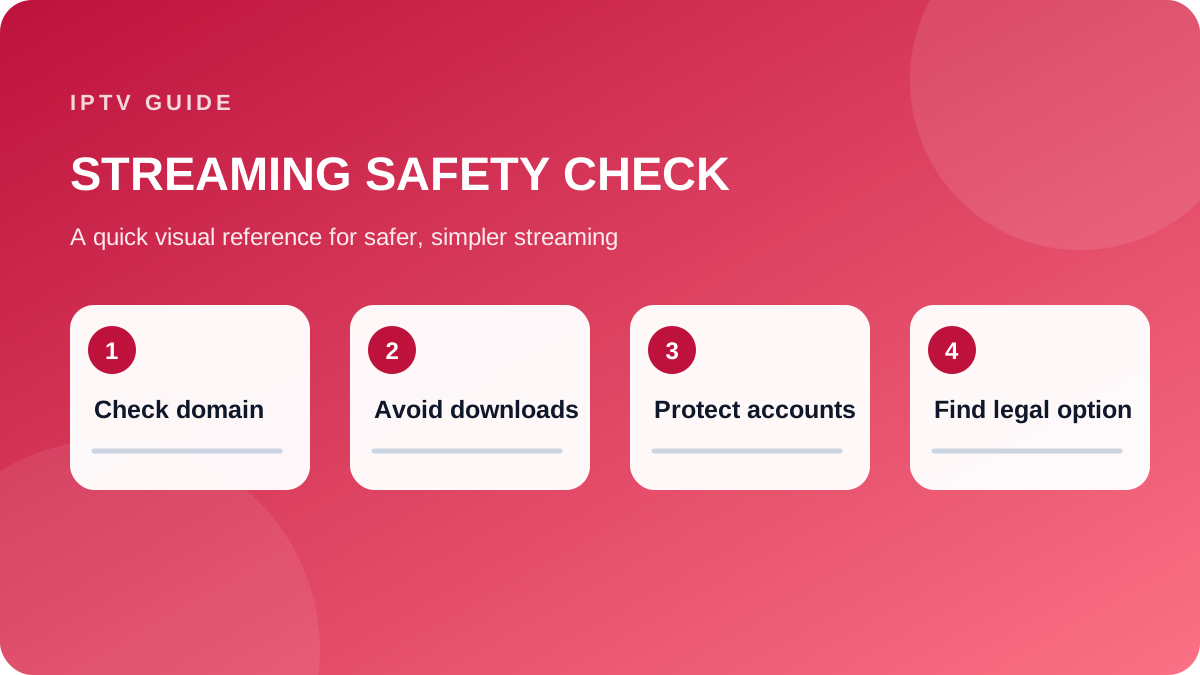
Treat changing FMovies-branded domains and apps as unverified. Avoid downloads and payment forms, then use a licensed search service to find the title.
- Do not install codecs or extensions
- Close fake play and download buttons
- Change reused passwords after suspicious logins
- Use licensed or library streaming options
“FMovies to Go” is commonly used to describe websites or apps associated with the FMovies brand, an unofficial streaming service known for offering movies and TV shows without clear licensing information. Because domains and copies change frequently, viewers should understand the security, privacy, and legal risks before clicking a link or installing an app.
What Is FMovies to Go?
FMovies to Go is not generally recognized as a single, verified streaming platform like Netflix, Prime Video, or Disney+. The name may refer to:
- A website using the FMovies name
- A mirror or clone of another streaming site
- An unofficial mobile app
- A search result, advertisement, or social media link promoting free content
These sites often make large libraries available without requiring a subscription. However, a site’s appearance does not prove that it has permission to distribute the movies and shows it hosts or links to.
The service may also change domains regularly. This makes it difficult to confirm which version, if any, is genuine. It also creates opportunities for scammers to imitate the brand with fake download buttons, aggressive advertisements, or malicious software.
Is FMovies to Go Legal?
The legality depends on the specific content, location, and distribution rights. In many cases, services using the FMovies name have been associated with unlicensed streaming or links to copyrighted material.
Watching or downloading copyrighted content from an unauthorized source can violate copyright law. Rules and penalties vary by country, but possible consequences include:
- Copyright notices from an internet service provider
- Account or network warnings
- Civil claims or financial penalties
- Exposure to fraudulent payment requests
- Loss of access to compromised online accounts
A website may claim that it is “free,” “private,” or hosted outside your country, but those claims do not automatically make the content legal. Using a VPN can improve privacy on public networks, but it does not grant permission to watch copyrighted material or make an unlicensed service legitimate.
When in doubt, check whether a movie or show is listed on a recognized licensed platform, broadcaster, library service, or official studio website.
Security Risks to Know Before Using FMovies to Go
Unofficial streaming websites can present more than a copyright concern. Their advertising networks and pop-ups may lead to phishing pages, fake browser alerts, or unwanted downloads.
Common warning signs include:
- Several fake “Play” or “Download” buttons
- Prompts to install an unknown browser extension or video player
- Requests for credit card details for a supposedly free account
- Notifications claiming your device has a virus
- Automatic redirects to gambling, adult, or shopping pages
- APK files offered outside the Google Play Store
- Requests to disable antivirus or browser security settings
Never install software simply because a streaming page requests it. Modern browsers can play most standard video formats without a special “codec” or extension.
If you have already visited a suspicious page, close the tab without interacting with pop-ups. Then check your downloads folder, remove unfamiliar apps or extensions, update your operating system, and run a security scan. If you entered a password, change it immediately from a trusted device and enable two-factor authentication. Contact your bank if you submitted payment information.
Safer Ways to Find Movies and TV Shows
You do not need to search random sites to find where a title is available. Legal discovery tools can show current streaming, rental, purchase, and free-with-ads options.
Useful approaches include:
- Use a streaming search service. Platforms such as JustWatch can show where a title is available in your country. Availability changes, so check the date and region.
- Check free, ad-supported services. Services such as Tubi, Pluto TV, The Roku Channel, and similar regional platforms offer licensed content at no subscription cost, though catalogs vary.
- Use your public library. Many libraries provide access to digital services, including Kanopy, Hoopla, or DVD and Blu-ray lending.
- Compare rental prices. Renting one movie from a reputable store is often cheaper than adding another monthly subscription.
- Look for official broadcaster apps. Network and public-service broadcasters may offer free catch-up viewing with advertising or a local TV license.
- Buy or subscribe through established stores. Apple TV, Google TV, Prime Video, YouTube, and other recognized providers clearly identify pricing and playback requirements.
For cord-cutters, combining one ad-supported service with a library card and rotating paid subscriptions can provide a large catalog while keeping costs under control.
How to Stream More Safely
Whether you use a free or paid service, basic security habits reduce risk:
- Download apps only from official app stores or the provider’s verified website.
- Check the developer name, reviews, permissions, and recent update history.
- Use a unique password for every streaming account.
- Enable two-factor authentication where available.
- Keep your TV, streaming stick, phone, and router updated.
- Avoid entering payment details on unfamiliar sites.
- Do not respond to browser pop-ups claiming that your device is infected.
- Use reputable antivirus protection on computers and phones.
- Review subscriptions regularly and cancel services you no longer use.
A VPN can encrypt traffic on untrusted Wi-Fi, such as at an airport or hotel, but it should be treated as a privacy tool—not a replacement for legal streaming services or antivirus protection.
FAQ
Is FMovies to Go an official streaming service?
There is no universally verified, mainstream service known as FMovies to Go. The phrase may describe different websites, apps, or clones using the FMovies name. Treat each link as unverified unless it is clearly operated by a legitimate, licensed provider.
Can I watch FMovies to Go on a smart TV?
Some unofficial sites may work through a smart TV browser, casting feature, or sideloaded app, but doing so can expose your device and home network to unsafe files or deceptive advertisements. A licensed streaming app from your TV’s official app store is the safer choice.
What should I do if I downloaded an FMovies to Go app?
Do not open it or grant it additional permissions. Uninstall it, delete the installation file, update your device, and run a security scan. Change passwords if you logged in through the app. For serious concerns, contact your device manufacturer or a qualified security professional.
Conclusion
FMovies to Go may appear convenient, but its unclear licensing, changing domains, and security risks make it a poor choice for reliable streaming. Use legal discovery tools, library services, ad-supported platforms, and established streaming apps to find affordable entertainment without putting your device, data, or accounts at unnecessary risk.
